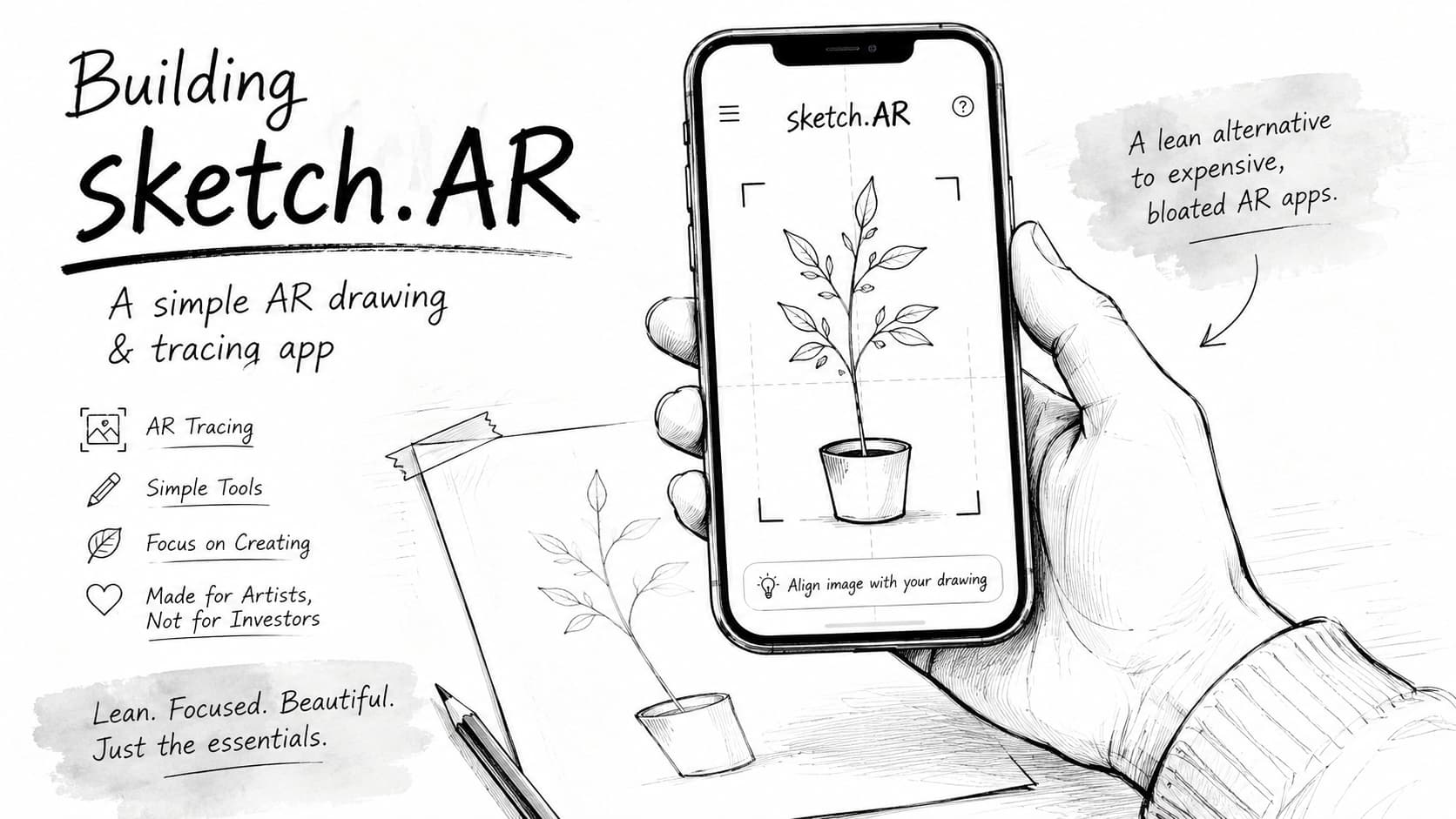
Why I Built sketch.AR (And Why I Couldn’t Justify Paying $70/Year for Sketchar Anymore)
I’ve always been a big fan of Sketchar. I remember using it in its early days, and it honestly felt like magic. With the app running, I could draw lines on a blank page with pinpoint accuracy—almost like having the legendary hand-eye coordination of Kim Jung Gi. At least, that’s how it looked in the time-lapse videos. It was just a pure, incredibly cool tool.
But over the years, Sketchar changed. It got complicated. They added a social network, drawing lessons, community feeds, and virtual canvases. It felt like it was trying to be everything for everyone, losing that original, simple utility vibe that I loved.
And then there was the price: $69.99 a year, or $7.99 a month.
I looked at that subscription fee and thought, “Man, that’s steep. I just want a simple tool to trace drawings. Can I just build this myself and save the cash?”
So, I did. But the journey was a lot harder—and dumber—than I expected.
The Technical Struggle: How do you track a blank page?
To build this, I started by digging deep. I read Sketchar’s tech blogs and early reviews, trying to figure out how they managed to stick a virtual image onto a blank sheet of paper.
Turns out, they have some serious secret sauce. They trained custom machine learning and neural networks on massive amounts of user drawing data. This allows their app to recognize a blank white canvas and keep the virtual image rock-solid, even when your hand blocks the camera.
Well, I was just one guy with zero data. I couldn’t train a neural network. I had to find another way.
I spent months doing experiments on and off. I tried using Apple’s ARKit:
- Detecting rectangles: ARKit can find a page, but the moment your hand or pencil covers it, the tracking breaks. You could set up a tripod to keep the camera completely still, but that defeats the whole point of a simple app.
- Detecting images: ARKit is great at tracking high-contrast images, but it has no idea what to do with a blank sheet of paper.
I was stuck.
Then, about six months into my off-and-on experimenting, I had a total accident. During a test, I happened to drag the virtual image texture away from the physical anchor image it was locked to.
Suddenly, it clicked.
The virtual image doesn’t actually need to be glued to the physical anchor point. As long as the camera is tracking a stable anchor somewhere on the table (like a patterned coaster or a book), the virtual image can just sit on the same flat surface, shifted slightly to the side—right over my blank drawing paper.
A Facepalm Moment in Competitor Research
Once I got the prototype working, I went to the App Store to see what else was out there. That’s when I saw Da Vinci Eye.
Guess what? They were already doing the exact same thing.
I had a major “facepalm” moment. If I had just spent an hour looking at competitors at the start, I could have saved myself months of head-scratching and trial-and-error. So, here’s a tip for fellow creators: do your competitor research first!
But it was also validating. The approach worked, and people were actually using it.
Keeping sketch.AR Simple (and Cheap)
In the end, I got exactly what I wanted. sketch.AR is just a simple, clean tool. There are no social networks, no mandatory tutorials, and no bloat. It does one thing: it helps you trace and draw.
I also wanted to make sure it was affordable for everyone, especially creators in developing countries who can’t justify a $70/year bill.
Here is how the pricing stacks up:
| App | Monthly | Yearly | Lifetime |
|---|---|---|---|
| Sketchar | $17.99 | $69.99 | $149.99 |
| Da Vinci Eye | $7.99 | $24.99 | — |
| sketch.AR (Ours) | $0.99 | $3.99 | $6.99 |
By keeping the app lightweight and building it solo, I can offer it for $3.99 a year or a $6.99 lifetime purchase. Because the app runs 100% locally on your device and leverages Apple’s native ARKit capabilities, there are no expensive cloud servers, API fees, or database maintenance costs. This zero-overhead architecture is exactly why I can keep the price so low and sustainable.
If you just want a distraction-free, affordable way to trace and sketch using AR, give sketch.AR a try. It’s exactly the app I wanted for myself.
You can download sketch.AR on the App Store here.